If you want to increase customer retention by improving customer engagement, schedule a free call now!




How to Manage the OPD Queue in a Hospital or Clinic
 Published
 - E-Token Solution Team
To manage an OPD queue, put every patient, booked or walk-in, into one digital queue per doctor. Set each doctor's hours, breaks and holidays so only real slots are offered. Show patients their token and estimated time on their phone and on a waiting-room TV, and let doctors mark each patient as started or completed.
Why OPD queues build up
Outpatient departments get crowded for a few common reasons. Knowing which one hits your hospital or clinic tells you where to start.
- Walk-ins arrive at the same time. Many patients come when the OPD opens, so the first hour is packed and the afternoon is quiet.
- Doctors start late or run over. A ward round or an emergency pushes every later patient back, and nobody in the waiting room knows why.
- No-shows leave gaps. A booked patient does not come, and the slot is wasted while others wait.
- Patients join the wrong line. Without clear services or departments, people queue for the wrong doctor and are sent back.
- Nobody can see the queue. Patients crowd the desk to ask how long it will be, which slows the desk down further.
Mix booked appointments and walk-ins in one queue
Most OPDs serve both patients who booked ahead and patients who simply turn up. Running two separate lines causes arguments about who goes first. A better approach is one queue per doctor that both groups join.
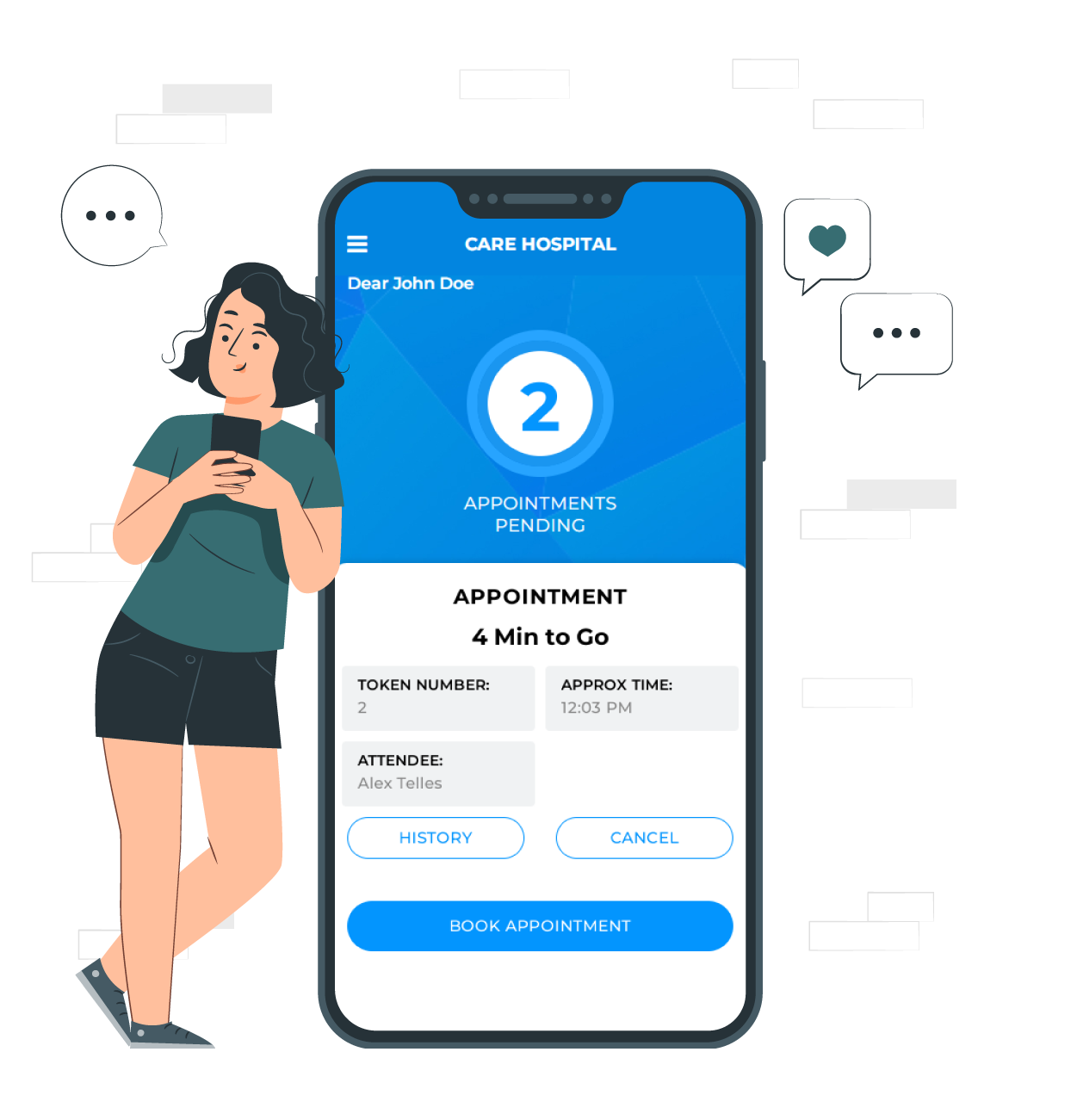
In E-Token Solution, patients can reserve a place remotely or when they arrive, and booked and walk-in patients are served from the same queue. Each patient gets a digital token showing their number, their position and the estimated serving time. These update in real time as the doctor sees patients. Front-desk staff or the doctor can also add a booking for a patient who walks in or phones. Read more in appointment scheduling.
Practical tips
- Keep some slots open for walk-ins in each session, rather than letting bookings fill the whole day.
- Ask booked patients to cancel or reschedule in the app or on the web if they cannot come, so the slot is freed.
- Use automated reminders about upcoming appointments to reduce no-shows.
Set doctor hours, breaks and holidays
A queue system is only as accurate as the schedule behind it. Before going live, enter:
- Each department's services, such as general consultation, follow-up or a specialist clinic.
- Each doctor as an attendee, with the services they offer.
- Each doctor's working hours and breaks. These can be set for one doctor or for the whole team.
- Holidays and special closed days, so nobody can book on those dates.
- How long each service usually takes, so slot times are realistic.
Patients then see only slots that are really free, which prevents double booking. When a doctor's hours change, update them in attendee management and the available slots change too.
Show the queue on a TV
A screen in the waiting area answers the question patients ask most: "When is my turn?" It shows the token being seen now and the tokens coming next, with queue positions and estimated waiting times.
The E-Token Solution TV token display updates on its own from your bookings, so the front desk never changes it by hand. A hospital with several waiting areas can show the queue on more than one TV, and you can set the colours, fonts and layout to match your branding. The display is included in the Business and Corporate plans.
Place screens where seated patients can see them without standing up, and near the doors of busy consulting rooms.
Let doctors update the queue from their phone
Estimated times are only right if the system knows when each consultation starts and ends. The simplest way is for the doctor, or an assistant, to mark it.
With the attendee mobile app, each doctor sees all their appointments in one place, with the time, patient details and notes. They mark each patient as started, then completed, which moves the queue forward and keeps waiting times accurate for everyone. They can also create an appointment for a walk-in by choosing a free slot, or cancel one that is no longer needed.
What to measure
Once the queue is digital, you can track how the OPD performs instead of guessing. Useful measures include:
| Measure | Why it matters |
|---|---|
| Average waiting time | The figure patients care about most |
| Patients seen per doctor per session | Shows which doctors are overloaded and which have spare time |
| Busiest hours and days | Helps you plan doctor rosters and walk-in slots |
| Cancellations and no-shows | Shows whether reminders and booking rules are working |
| Patient ratings | Shows how patients feel about the visit |
E-Token Solution asks patients for a rating and a review after each appointment, and provides reports on queues, patient flow and service performance. Review the numbers every month and change one thing at a time, such as slot length or walk-in slots.
Case examples
A multi-department hospital with a large team of doctors had relied on manual appointment scheduling, which led to long waits and clashing bookings. It set up E-Token Solution across its departments, with central booking and real-time doctor availability, and doctors used a mobile app to see their upcoming patients and manage appointments. Read the full hospital appointment case study.
In rural healthcare, Hand in Hand India, an NGO, uses an adapted version of E-Token Solution at more than 10 rural health locations. See the rural healthcare case study, or browse all case studies.
Which plan fits your OPD?
E-Token Solution plans are sized by attendees, and in a hospital each doctor serving patients is usually one attendee.
- A single-doctor clinic: the Free plan includes 1 attendee and the visitor mobile app.
- A clinic with up to 5 doctors: Basic, ₹2,100 ($30) a month.
- Up to 10 doctors, with a waiting-room TV: Business, ₹5,100 ($69) a month.
- Up to 20 doctors, with multiple language support: Corporate, ₹9,100 ($125) a month.
Extra attendees cost ₹399 ($5) each on paid plans. See the pricing page for full details, or start a 30-day free trial.
Frequently asked questions
Does E-Token Solution connect to our hospital management system?
An integration with a hospital information system (HIS) or hospital management system (HMS) is not a confirmed feature. If you need one, ask the E-Token Solution sales team what is possible for your setup before you buy.
Do patients need to install an app?
No. Patients can book on the web. The visitor mobile app is there for patients who prefer it.
Can each doctor have different hours?
Yes. Working hours, breaks and holidays can be set for each doctor on their own or for the whole team at once.
How long does setup take?
Depending on the modules you choose, the support team can get you running within 2 hours, and they train your staff on each module.
Try it on your own queue. E-Token Solution has a free plan, and paid plans start at ₹2,100 or $30 a month.