If you want to increase customer retention by improving customer engagement, schedule a free call now!




Bank Queue Management System: Cutting Counter Wait Times
 Published
 - E-Token Solution Team
A bank queue management system cuts counter wait times by giving each customer a digital token for the exact service they need, then sending that token to a staff member who handles that service. Customers can book a slot for long tasks, take a token for quick ones, and watch their place in the queue instead of standing in line.
Why bank queues are hard to manage
A bank branch is not one queue. It is many small queues that share the same hall. One customer wants to deposit cash. Another wants to open an account, update their details or ask about a loan. Each task takes a different amount of time, and not every staff member can handle every task.
When everyone takes a paper number from the same roll, problems follow:
- A customer waits, finally reaches the counter and is told to go to a different desk.
- One counter has a long line while the next counter is free.
- A single long task, such as an account opening, holds up everyone behind it.
- Customers cannot see how long they will wait, so they keep asking staff.
- The manager has no record of who waited how long, or which service caused the delay.
A digital token system tackles each of these by asking the customer one question first: which service do you need?
Matching services to counter staff
In E-Token Solution, the people who serve customers are called attendees. In a bank, an attendee might be a cashier, a customer service officer or a loan officer. You set them up in attendee management.
Step 1: List your services
Write down every service your branch offers at a counter or desk. Keep the names short and clear, the way a customer would say them. For example: cash deposit, cash withdrawal, new account, passbook update, loan enquiry.
Step 2: Link each service to the right attendees
Give each attendee a role and the services they can handle. A cashier gets cash services. A loan officer gets loan enquiries. A senior officer may handle several services.
Step 3: Set working hours and breaks
Set working hours, breaks and holidays for each attendee on their own, or for the whole team at once. The system only offers slots when that person is free, so a lunch break does not turn into a crowd at an empty desk.
Once this is in place, customers pick the service they need and, if they want, a particular attendee. Their digital token goes to someone who can actually help them. You also get a live view of each attendee's workload, so you can see which counters are overloaded and which are idle.
Booked slots for long tasks, walk-in tokens for quick ones
Not every bank visit is the same length. A good rule is to separate long tasks from quick ones.
| Type of task | Examples | Best way to queue |
|---|---|---|
| Long, planned tasks | Account opening, loan enquiry, document review | Booked time slot with a named attendee |
| Quick, everyday tasks | Cash deposit, passbook update, simple queries | Walk-in token on arrival or from home |
With appointment scheduling, you set how long each service takes. E-Token Solution builds time slots from that length and from staff availability, so the same slot cannot be booked twice. A customer who needs a long meeting with a loan officer books a slot in advance and arrives on time.
Customers with quick tasks can reserve a spot in the queue remotely or when they arrive. Booked and walk-in customers are served from one queue, so staff do not juggle two lists.
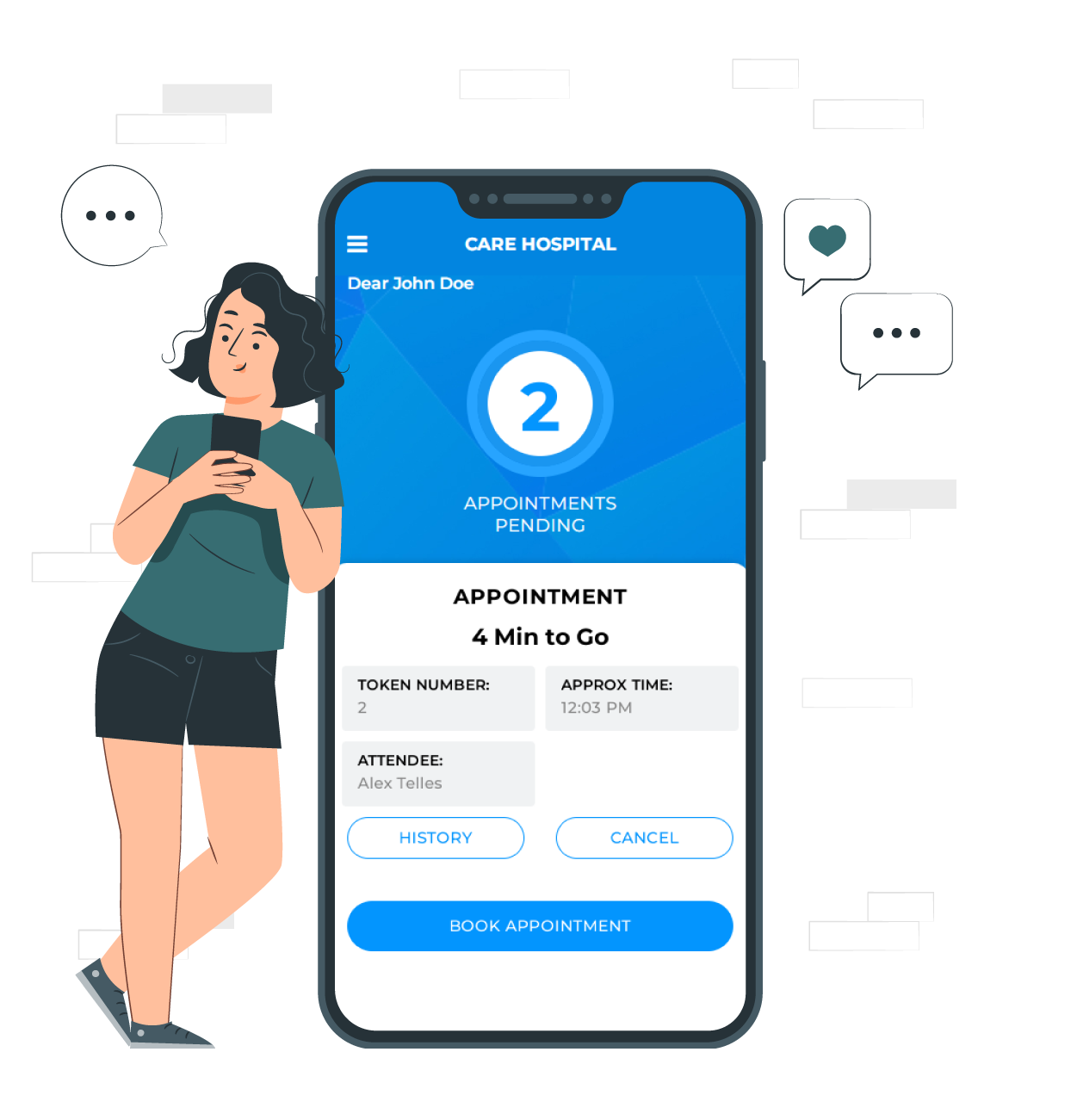
Customers book through the web interface or the visitor mobile app. Their token shows their token number, their position in the queue and the estimated serving time, and it updates in real time. They can cancel or change a booking themselves, which frees the slot for someone else and saves a phone call.
If you place a TV in the banking hall, the TV token display shows the current and upcoming tokens. Customers can sit down and watch for their number instead of crowding the counter.
Using customer ratings to coach staff
Shorter queues are only half the goal. Customers also need to leave happy. After each appointment, E-Token Solution asks the customer for a rating and a review.
Branch managers can use this in a few practical ways:
- Spot patterns. If one service gets low ratings from many customers, the problem may be the process, not the person.
- Coach with real examples. Reviews give specific feedback you can discuss in a short team meeting.
- Recognise good work. Staff who get steady high ratings are good candidates to train others.
- Compare with service time. Reports on service time and customer flow show whether a counter is slow because tasks are complex or because it needs support.
Keep the tone fair. Ratings are one signal among several, and a busy cash counter at month end will feel different to customers than a quiet enquiry desk.
Managing more than one branch
Banks often want one view across several branches. Whether one E-Token Solution account can manage several branches from a central dashboard is something to confirm with the E-Token team before you buy. Tell them how many branches, counters and services you have, and ask how they would set it up.
Within a single branch, plans are sized by the number of attendees. Use this as a rough guide:
| Plan | Price per month | Attendees included |
|---|---|---|
| Free | ₹0 | 1 |
| Basic | ₹2,100 ($30) | 5 |
| Business | ₹5,100 ($69) | 10 |
| Corporate | ₹9,100 ($125) | 20 |
Extra attendees cost ₹399 ($5) each on paid plans. The TV Screen Application is included from the Business plan, and multiple language support from the Corporate plan. See the full details on the pricing page.
Case example: a bank that moved to digital tokens
Our bank case study describes a bank that offered a wide range of services and had a large team of employees. Before E-Token Solution, it used a traditional queuing system. Customers waited in long lines and could not see service availability or waiting times. The bank also found it hard to manage staff performance and had no clear way to gather feedback.
The bank set up E-Token Solution with these parts:
- Appointment booking: customers used a mobile app to view services, pick a service and time slot, and get a digital token.
- Attendee and service management: each attendee's availability and skills were added, so time slots matched customer demand.
- Performance analysis: data on appointments, service durations and employee performance showed where training or process changes were needed.
- Customer feedback: after each appointment, customers were asked for ratings and reviews in the app.
The case study reports shorter waiting times, better insight into employee performance and higher customer satisfaction. It does not publish exact figures, so treat it as a description of the approach rather than a benchmark. Browse more case studies for other sectors.
How to get started
- List your services and the staff who handle each one.
- Decide which services should be booked slots and which should be walk-in tokens.
- Pick a plan based on the number of attendees.
- Start the 30-day free trial and run it at one counter group first.
- Review ratings and service times after a few weeks, then adjust.
Depending on the modules you choose, the E-Token Solution support team can get you running within 2 hours, and they train your team on each module.
Frequently asked questions
What is a token system for a bank?
It is a way to give each customer a numbered digital token for the service they need. The token shows their queue position and estimated serving time. Staff call tokens in order, and customers can wait anywhere instead of standing in line.
Can customers choose a specific bank officer?
Yes. Customers pick a service and, if they want, an attendee. The system only offers slots when that attendee is free.
Do customers need to install an app?
No. Customers can book through the web interface. The visitor mobile app is there for customers who prefer an app on their phone.
How much does a bank queue system cost with E-Token Solution?
There is a Free plan with 1 attendee. Paid plans start at ₹2,100 ($30) a month for 5 attendees, and the Business plan at ₹5,100 ($69) a month adds the TV display. A 30-day free trial is available.
Try it on your own queue. E-Token Solution has a free plan, and paid plans start at ₹2,100 or $30 a month.