If you want to increase customer retention by improving customer engagement, schedule a free call now!




Paper Token Machine vs Online Queue: Best for Small Business?
 Published
 - E-Token Solution Team
For most small businesses, an online queue is the better choice once customers want to know their wait or join from home. A paper token roll is cheap and simple for one counter with short waits. An online queue adds remote joining, a live queue position and visit data, and E-Token Solution has a Free plan for one staff member.
How a paper token roll works
The paper system is familiar. A customer walks in, takes a numbered slip from a roll or a dispenser, and waits. Staff call the next number out loud or show it on a simple counter display. When the roll runs out, you buy another.
It has real strengths:
- Anyone understands it without instructions.
- It works without a phone, an app or an internet connection.
- The setup is quick, and the running cost is mostly paper.
It also has limits that grow with your business:
- Customers must be on site to get a number, so the waiting area fills up.
- Nobody knows how long the wait is, so customers keep asking staff.
- If a customer steps out and misses their number, there is no easy way to reach them.
- There is no record of how many people came, when it was busy or how long they waited.
- It cannot handle booked appointments, so you end up running a paper diary as well.
What an online queue adds
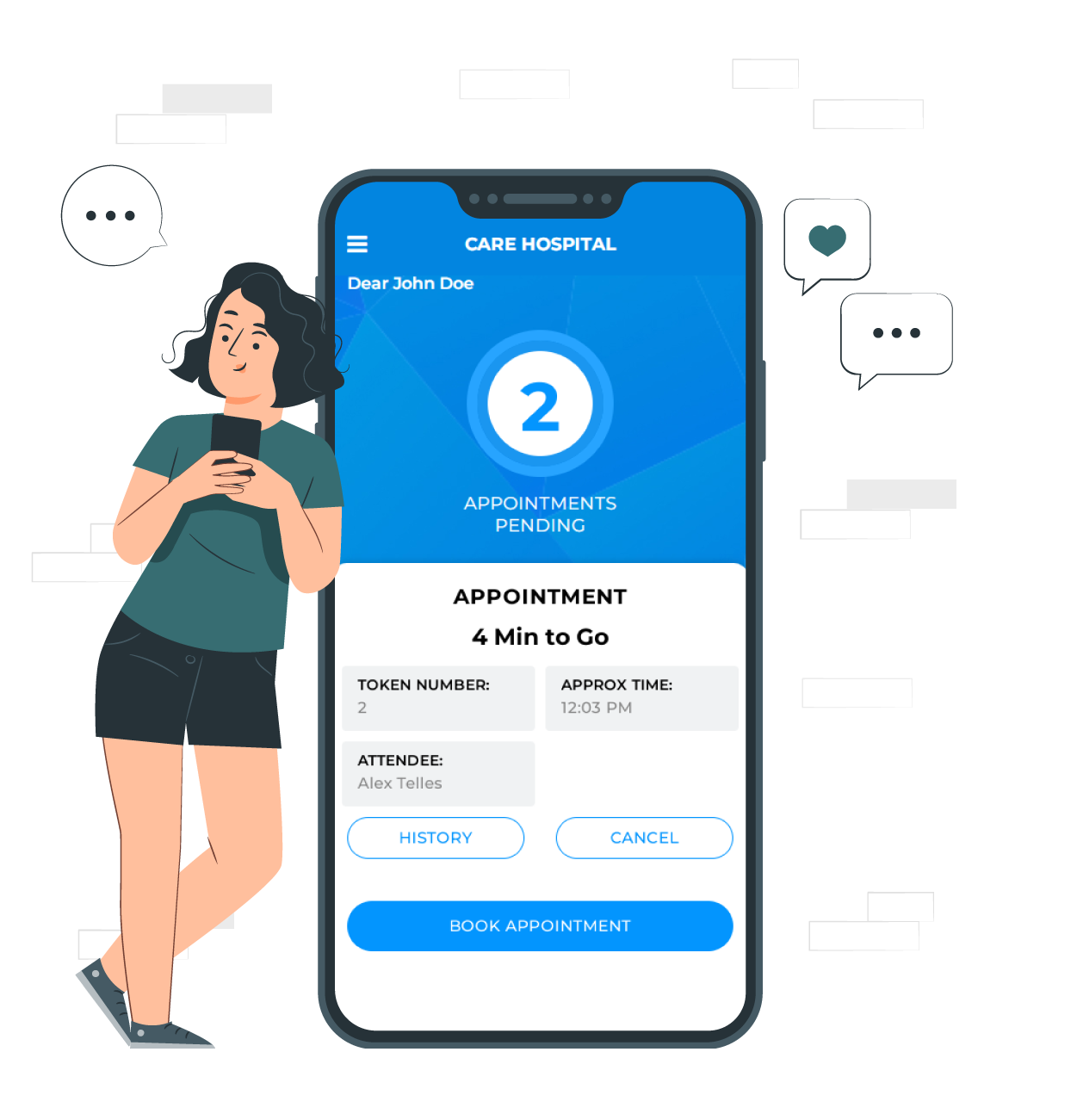
An online queue gives each customer a digital token instead of a paper slip. With E-Token Solution, the token shows the customer's token number, their position in the queue and the estimated serving time, and it updates in real time. Read more about online token booking for visitors.
Remote joining
Customers can join the queue before they leave home or when they arrive. They book through the web interface, so no app is required. Customers who prefer an app can use the visitor mobile app, where they can also see which staff are available.
Live status
Because the token updates in real time, customers know when to come in. Automated notifications and reminders tell them about upcoming appointments and any change in the schedule. Customers can cancel or change a booking themselves, which frees the spot for someone else.
Bookings and walk-ins in one place
With appointment scheduling, customers can also book a time slot. Slots are built from your working hours and the length of each service, so the same slot cannot be booked twice. Booked and walk-in customers are served from one queue.
Data and feedback
You get reports on queues, customer flow and service performance. After each visit, customers are asked for a rating and a review. A paper roll cannot tell you any of this.
Side-by-side comparison
| Factor | Paper token roll | Online queue (E-Token Solution) |
|---|---|---|
| Setup | Buy a roll or dispenser and start | Add your services, staff and hours, then share your booking page |
| Ongoing cost | Paper rolls and any display you buy | Free plan for 1 attendee; paid plans from ₹2,100 ($30) a month |
| Joining the queue | Only in person | From home or on arrival, on the web or in an app |
| Wait time shown | No | Queue position and estimated serving time, updated in real time |
| Appointments | Needs a separate diary | Booked slots and walk-ins in one queue |
| Reminders | No | Automated notifications and reminders |
| Customer feedback | No | Rating and review after each visit |
| Reporting | None | Reports on queues, customer flow and service performance |
| Works with no phone | Yes | Walk-ins can still join on arrival; the customer journey is designed around web or app booking |
Starting on the Free plan
If you are a small business with one person serving customers, you can try an online queue without paying anything. The E-Token Solution Free plan includes:
- 1 attendee (the staff member who serves customers)
- The visitor mobile app for your customers
- Email support
This suits a single-chair salon, a one-doctor clinic, a small repair shop or a consultant who sees clients one at a time. Set your working hours, breaks and holidays, list your services, and share your booking page with customers.
Start small. Tell your regular customers about the booking page, put a short note at the counter, and keep serving walk-ins as before. After a few weeks, check how many people booked online and what ratings they left. That tells you whether the online queue is worth growing.
If you want to test paid features first, there is also a 30-day free trial.
When to upgrade
Plans are priced by the number of attendees. You can read more about what an attendee is in attendee management. Here is a simple way to decide when to move up.
| Plan | Price per month | Attendees | Upgrade when |
|---|---|---|---|
| Free | ₹0 | 1 | You have one person serving customers |
| Basic | ₹2,100 ($30) | 5 | You add a second staff member or counter |
| Business | ₹5,100 ($69) | 10 | You want a TV token display in your waiting area, or have more than 5 staff |
| Corporate | ₹9,100 ($125) | 20 | You need multiple language support or have more than 10 staff |
Extra attendees cost ₹399 ($5) each on paid plans. If you only need certain modules, a custom plan lets you add them one by one, for example the TV screen display at ₹1,000, the attendee app at ₹1,000, the visitor app at ₹1,500, service management at ₹700 or multiple language support at ₹700. See the full details on the pricing page.
Other signs it is time to upgrade:
- Staff want to manage their own bookings on a phone with the attendee mobile app.
- Customers in the waiting area keep asking whose turn it is.
- You want phone or chat support, which comes with the Business and Corporate plans.
Which one should you choose?
Stay with paper if you have one counter, short waits, and customers who never need to plan their visit. Move to an online queue if customers crowd your waiting area, ask about wait times, miss their turn, or would rather book ahead. Since the Free plan costs nothing, many small businesses run both for a few weeks and see which customers prefer.
For real examples, see how a restaurant in Surat used digital tokens in our restaurant queue case study, or how a repair business handled bookings in our service centre case study. More are on the case studies page.
Frequently asked questions
Is there free queue management software for a small business?
Yes. E-Token Solution has a Free plan with 1 attendee, the visitor mobile app and email support. It suits a business where one person serves customers.
Do my customers need to download an app?
No. Customers can book through the web interface. The visitor mobile app is optional, for customers who prefer an app.
Can I still serve walk-in customers?
Yes. Customers can reserve a spot in the queue when they arrive, and booked and walk-in customers are served from one queue.
How long does it take to set up?
Depending on the modules you choose, the E-Token Solution support team can get you running within 2 hours, and they train your team on each module.
Try it on your own queue. E-Token Solution has a free plan, and paid plans start at ₹2,100 or $30 a month.