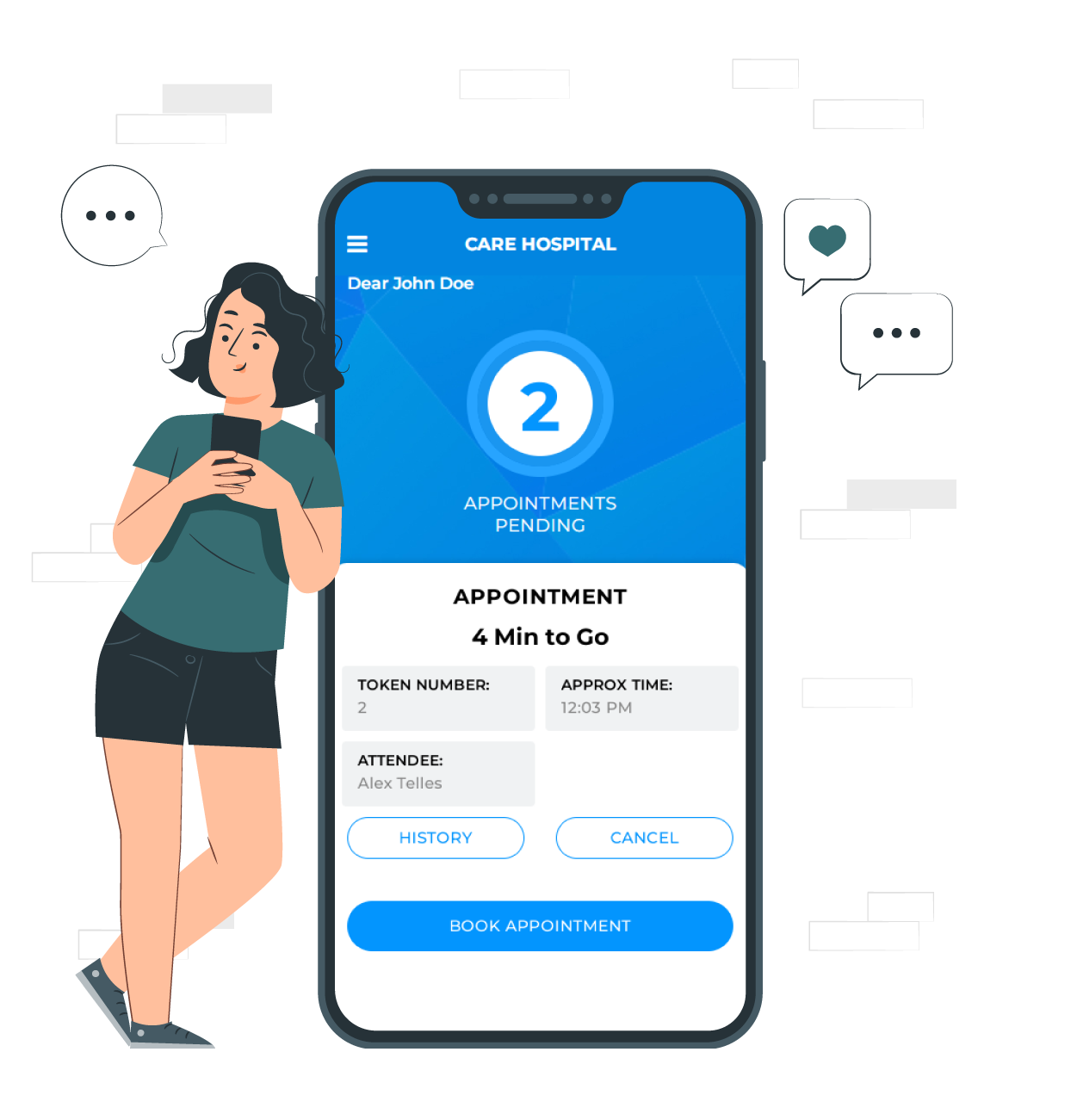
Want shorter queues and happier customers? Book a free 30-minute demo call.



My Company
Set your company details here. They appear on your appointment prints and in the emails the system sends.

Business name:
Your company name. It appears on all appointment prints.
Business address:
Your company address, used wherever the system shows your address.
Phone number:
Your company phone number. It appears on appointment prints.
Mobile number:
Your company mobile number. It appears on appointment prints.
Business email address:
The email address the system uses as the "from" address when it sends you and your customers emails.
Business country and state:
Where your business is based.
Logo:
Upload your logo. It appears on appointment prints and wherever the system shows your branding.


Favicon:
The small icon shown in the browser tab. Upload a square image.